Convert your image
Choose a grid size and palette, reduce the color count, and turn a photo or illustration into a bead pattern.
Open converter → BeadWan
Make a pattern from your own image, start with a gallery design, or take a break with a bead sorting puzzle. The creative tools run in your browser.
Free to use · No account needed · Images processed locally
 Original image
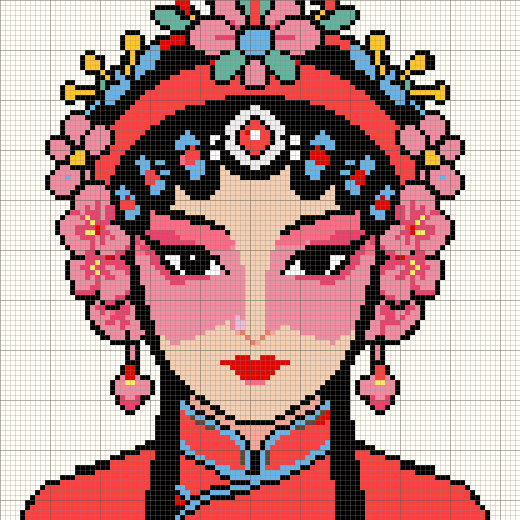 Bead pattern
Choose a grid size and palette, reduce the color count, and turn a photo or illustration into a bead pattern.
Open converter →Adjust individual colors and details in the pixel editor before you make the physical piece.
Open editor →Export a PNG chart, CSV material list or A4 printout. Start from an image or gallery pattern, then choose your export settings.
Printing and export guide →Browse patterns, color codes and material quantities before opening a design in the creative tools.
Browse bead patterns →


Sort matching beads, make room with the tray, and complete a pixel picture. Play on a phone or computer, then explore the original bead pattern.
Play the bead sorting game →A practical BeadWan workflow for selecting a photo, choosing an 8–208 bead grid, matching a palette and checking details before export.
Read the guide →Understand BeadWan's ARTKAL C01–C157 palette, digital color matching and the checks needed before purchasing fuse beads.
Read the guide →Choose PNG for a complete bead chart, CSV for material counts, or A4 pages for printing and saving to PDF in your browser.
Read the guide →Create a bead QR pattern and understand contrast, quiet zones, URL length and scan checks before and after assembling the design.
Read the guide →Understand local image processing, browser-only work storage, backups and third-party requests in the BeadWan Web app.
Read the guide →Image conversion and editing happen locally. Work saved in this browser stays on this device; export or back up important projects before clearing browser data.
Saving and privacy guide →